Improve Your AI Coding Workflow With Cursor Tips and Tricks
Improve Your AI Coding Workflow With Cursor Tips and Tricks
Explore practical tips for working with AI coding agents, managing context, using skills, reviewing code, and choosing the right models.
Improve Your AI Coding Workflow With Cursor Tips and Tricks
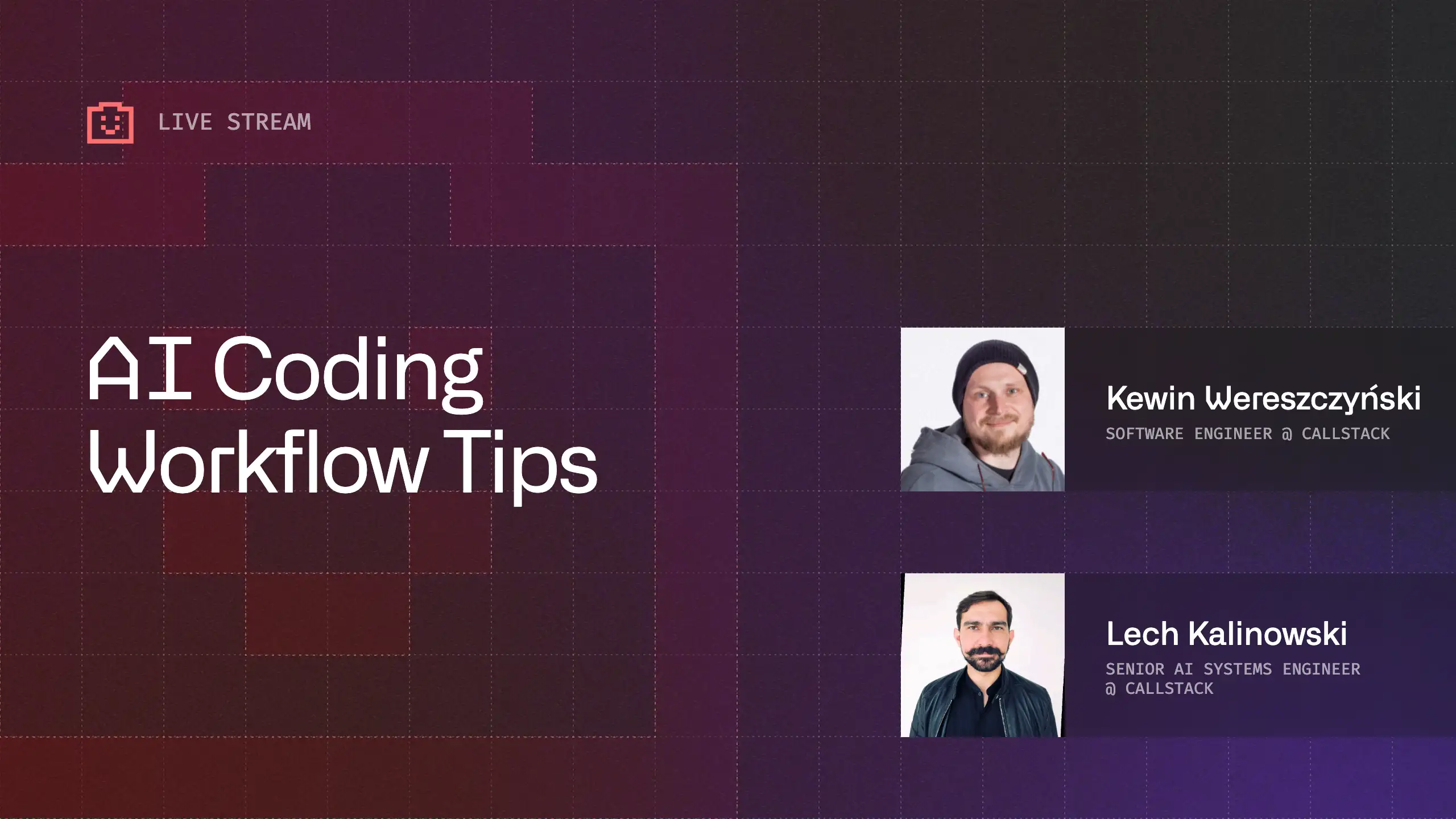



AI Coding Tools Are Only Part of the Workflow
Modern AI coding tools such as Cursor, Claude Code, Codex, Gemini CLI, and similar agents can support much more than autocomplete. They can help with research, planning, implementation, debugging, writing, and code review. The important shift is not just choosing a specific tool, but learning how to work with AI systems as part of a broader development process.
A recurring theme from the stream was that different tools often expose similar capabilities through different interfaces. IDE-based tools give developers close access to files, plugins, and familiar editor workflows, while CLI-based agents can operate more directly across the local environment. That difference matters when working with terminals, Docker, infrastructure, and multi-step automation.
Stronger Context Leads to Better Results
Good AI output depends heavily on the quality of the context provided to the model. A short prompt may work for simple tasks, but more serious development work benefits from planning, constraints, expected output structure, and relevant project knowledge.
One practical workflow is to start with the idea, shape it into a plan, refine that plan with AI, and only then move into implementation. This reduces wasted iteration and helps the model work from a clearer understanding of the intended result. Structured prompts can include the model’s role, the task, constraints, inputs, and the desired output format.
Agents Still Need Real Engineering Judgment
AI agents can move quickly, but they do not automatically understand production environments, deployment targets, logs, infrastructure differences, or company-specific constraints unless those details are available in context. Code that works locally can still fail when deployed, especially in containerized systems or automation-heavy workflows.
The stream highlighted a common lesson for AI-assisted engineering: agents are useful tools, but they do not replace debugging skills. Human expertise is still needed to inspect logs, understand failure modes, identify missing context, and decide whether a proposed fix is safe. This is especially important when agents operate only against local files while the real problem appears in external infrastructure.
Skills, MCPs, and Reviews Need Boundaries
Skills can improve an agent’s behavior by giving it reusable instructions or domain-specific knowledge. They are most effective when selected for a specific project rather than loaded indiscriminately. A React Native project, a Docker-based backend, and a SQL-heavy service should not necessarily receive the same context.
The same principle applies to MCP servers and external integrations. Trusted vendors and open-source implementations are easier to evaluate, while unknown public integrations may introduce security risks. For code quality, AI review can be a useful first pass, but human review remains important before production changes are accepted.
Model Choice Depends on the Task
There is no single best model for every workflow. Benchmarks can help when choosing models for professional use cases, while day-to-day development still benefits from hands-on experimentation. Some models may perform better for coding, others for planning, writing, research, or working with a specific developer’s style.
Local models are becoming more capable, but the surrounding agent framework matters just as much as the model itself. Tool calls, retrieval, orchestration, context handling, and observability often determine whether an AI workflow is practical in real engineering work.
Watch the full recording to explore practical AI coding workflows, agent skills, context management, model choice, and safer ways to work with tools like Cursor, Claude Code, Codex, and Gemini CLI.
Improve Your AI Coding Workflow With Cursor Tips and Tricks
Explore practical tips for working with AI coding agents, managing context, using skills, reviewing code, and choosing the right models.

Learn more about AI
Here's everything we published recently on this topic.














React Native Performance Optimization
Improve React Native apps speed and efficiency through targeted performance enhancements.
C++ Library Integration for React Native
Wrap existing C-compatible libraries for React Native with type-safe JavaScript APIs.
Shared Native Core for Cross-Platform Apps
Implement business logic once in C++ or Rust and run it across mobile, web, desktop, and TV.
Custom High-Performance Renderers
Build custom-rendered screens with WebGPU, Skia, or Filament for 60fps, 3D, and pixel-perfect UX.