Building a Video Experience with React Native: Lessons from Early Adoption
Building a Video Experience with React Native: Lessons from Early Adoption
How Zalando built a custom Fabric video player, reduced jank, and optimized autoplay time in a production React Native app.
Building a Video Experience with React Native: Lessons from Early Adoption
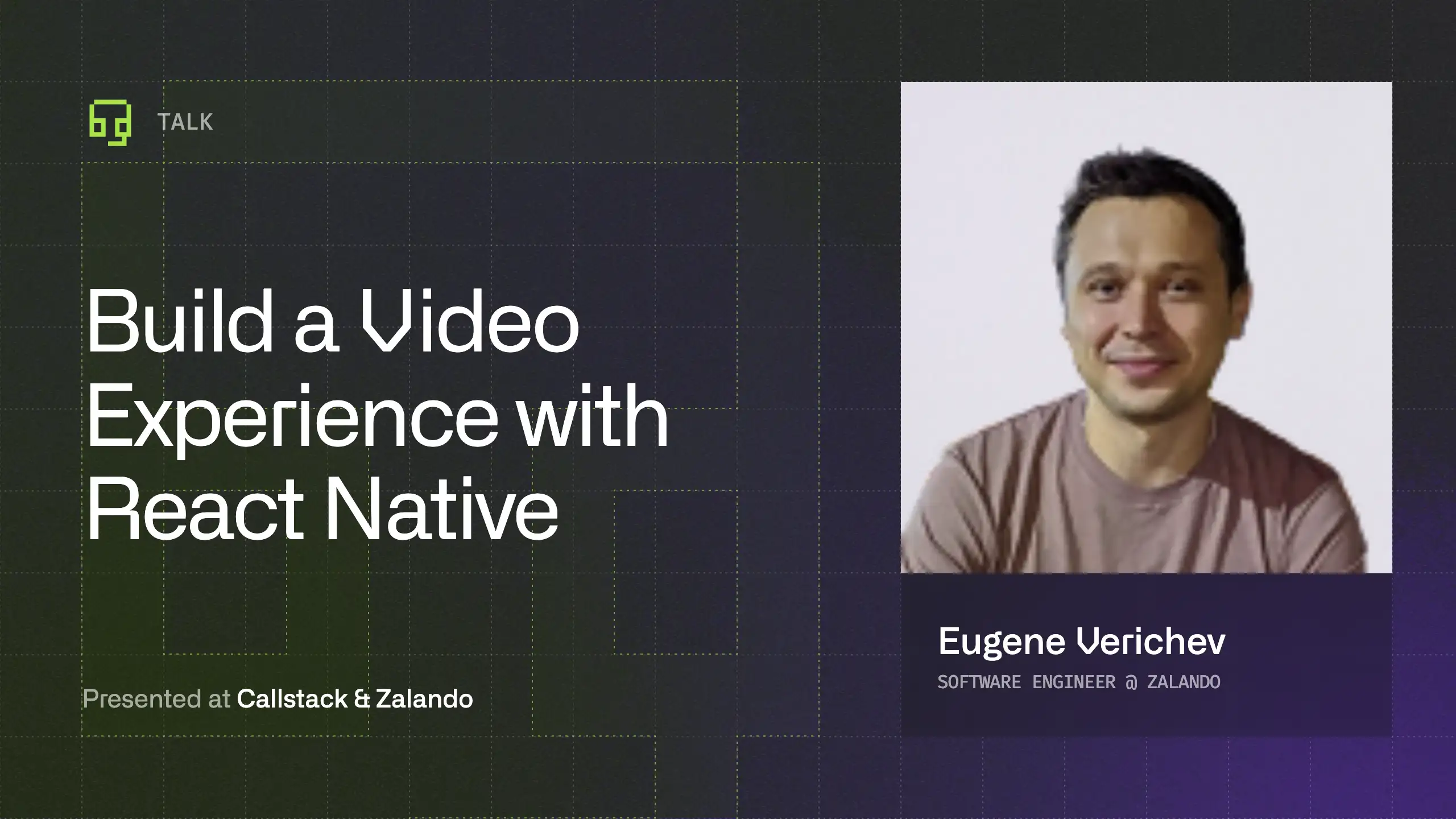



Eugene Verichev, Android Software Engineer at Zalando, shared how the team built a custom video player in React Native as part of their migration to the new architecture. Previously running separate native apps with an SDUI backend, they faced complex state synchronization challenges. Instead of adopting a third-party library or wrapping existing native components, the team chose to build a Fabric-based solution from scratch, keeping full control over architecture, APIs, and the features that mattered for Zalando’s domain.
Once rolled out to the video stream and home feed, real production constraints emerged. Multiple in-memory players caused jank, memory pressure, and increased autoplay time, especially on Android. Eugene walks through how the team defined the right metrics, reduced jank dramatically with lazy player creation, and improved autoplay time through backend changes, prioritized loading, player pooling, and pre-warming strategies.
What you’ll walk away with:
- How React Native’s new architecture helped address backend–client state synchronization challenges
- Why building a custom Fabric component made more sense than using third-party or wrapped native solutions
- How to define and measure video performance with metrics like autoplay time and jank rate
- Techniques to reduce jank in feed-based experiences with multiple video players
- How backend optimizations and player pooling strategies improve real-world performance
Building a Video Experience with React Native: Lessons from Early Adoption
How Zalando built a custom Fabric video player, reduced jank, and optimized autoplay time in a production React Native app.

Learn more about React Native
Here's everything we published recently on this topic.










React Native Performance Optimization
Improve React Native apps speed and efficiency through targeted performance enhancements.
On-device AI
Run AI models directly on iOS and Android for privacy-first experiences with reliable performance across real devices.
AI Knowledge Integration
Connect AI to your product’s knowledge so answers stay accurate, up to date, and backed by the right sources with proper access control.
Generative AI App Development
Build and ship production-ready AI features across iOS, Android, and Web with reliable UX, safety controls, and observability.