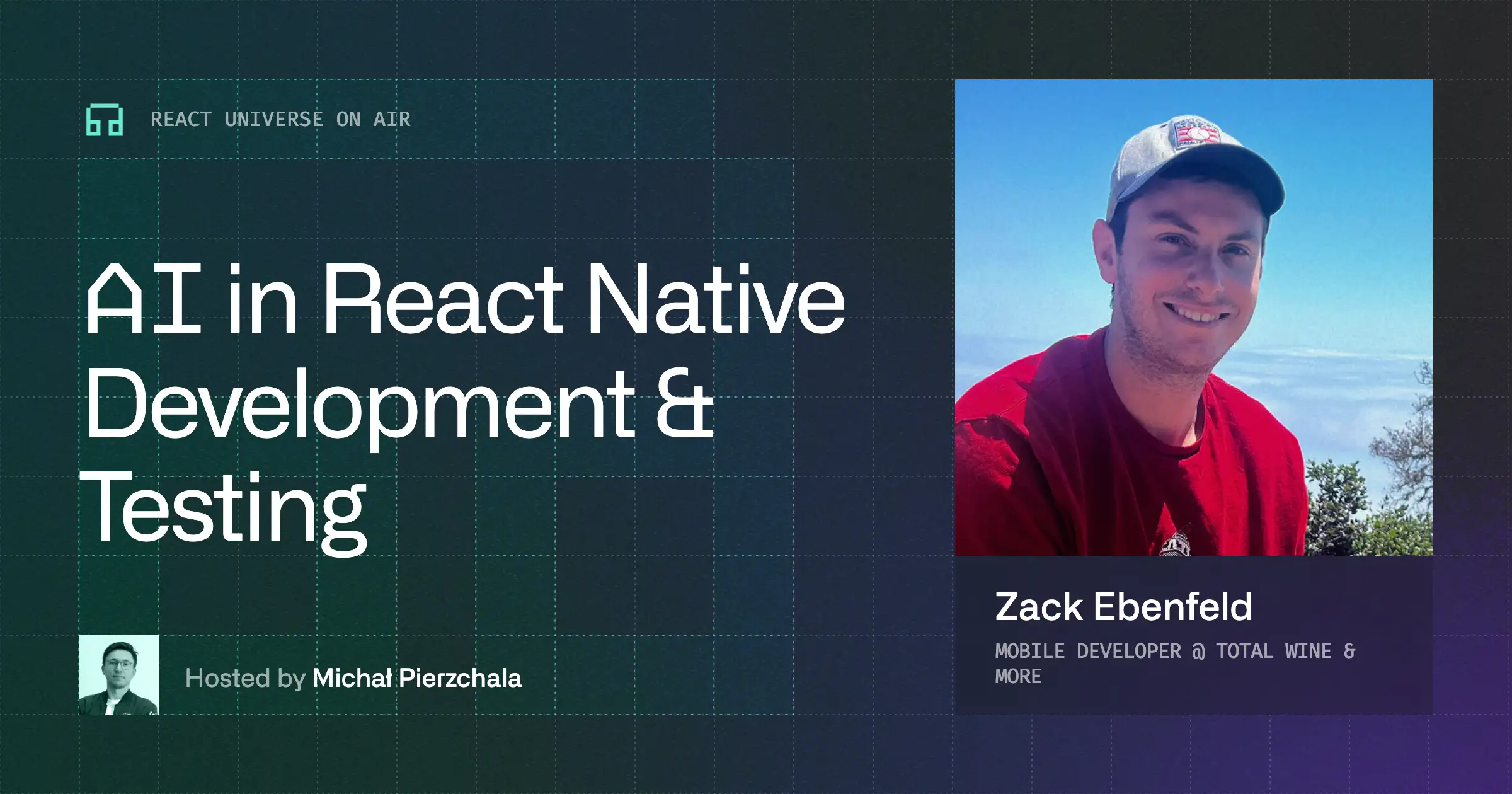
Agent Device, AI workflows, and mobile testing in practice
Agent Device, AI workflows, and mobile testing in practice
A discussion on Agent Device, AI-driven workflows, and testing mobile apps using simulators and accessibility data.
Agent Device, AI workflows, and mobile testing in practice



Agent Device and remote simulators
The session introduced Agent Device, an open-source library designed to let AI agents interact with iOS and Android simulators. The setup involves running a server, for example on a Mac mini, which exposes simulators over the network. Agents running in lightweight environments, such as Linux VMs, can’t run builds or simulators directly, so they rely on this connection. The system enables actions like opening apps, taking snapshots, clicking elements, and collecting visual feedback without local device access.
How agents interact with mobile apps
Agent Device operates through a CLI that abstracts platform-specific tools. It allows agents to boot devices, open apps, inspect UI trees, simulate interactions, and collect logs or performance data. The key mechanism is the accessibility tree snapshot, which provides a structured representation of the UI. Agents use this lightweight data instead of screenshots, reducing cost and improving reliability.
Each interaction is based on references extracted from the snapshot. After every action, the agent can take a new snapshot to verify changes and continue exploration. This enables iterative validation of UI behavior.
From exploration to deterministic tests
The tool can record sessions and generate scripts that replay interactions deterministically. These scripts capture steps like opening an app, clicking elements, and verifying outcomes. They can be reused in CI pipelines without relying on AI at runtime.
Tests remain somewhat resilient to UI changes by using selectors and fallbacks, but still reflect meaningful regressions. This bridges exploratory testing done by agents with reproducible automated tests.
Accessibility as a core dependency
Since Agent Device relies on accessibility data, missing or incorrect accessibility configuration directly impacts its effectiveness. This surfaced issues during usage, such as elements not appearing in snapshots. Fixing accessibility improved both agent performance and app usability for non-visual users.
The approach enforces better accessibility practices while enabling automation, combining both concerns into a single workflow.
AI workflows, costs, and iteration loops
The discussion also covered working with coding agents like Codex and Claude. Agents can generate large amounts of code quickly, but require careful review due to over-engineering or incorrect assumptions. Iteration loops can be slow, especially in cloud environments where agents take time to execute tasks.
Cost evaluation for AI models is non-trivial due to factors like caching and token reuse. Benchmarks need to consider worst-case scenarios to remain comparable across models.
Watch the full stream recording to see Agent Device in action and explore the workflow step by step.
Agent Device, AI workflows, and mobile testing in practice
A discussion on Agent Device, AI-driven workflows, and testing mobile apps using simulators and accessibility data.

Learn more about Testing
Here's everything we published recently on this topic.
















React Native Performance Optimization
Improve React Native apps speed and efficiency through targeted performance enhancements.
C++ Library Integration for React Native
Wrap existing C-compatible libraries for React Native with type-safe JavaScript APIs.
Shared Native Core for Cross-Platform Apps
Implement business logic once in C++ or Rust and run it across mobile, web, desktop, and TV.
Custom High-Performance Renderers
Build custom-rendered screens with WebGPU, Skia, or Filament for 60fps, 3D, and pixel-perfect UX.