Storybook Explained: From Basics to Advanced Workflows
Storybook Explained: From Basics to Advanced Workflows
Core Storybook concepts, stories and args, interaction testing, and how Storybook works in React Native projects.
Storybook Explained: From Basics to Advanced Workflows
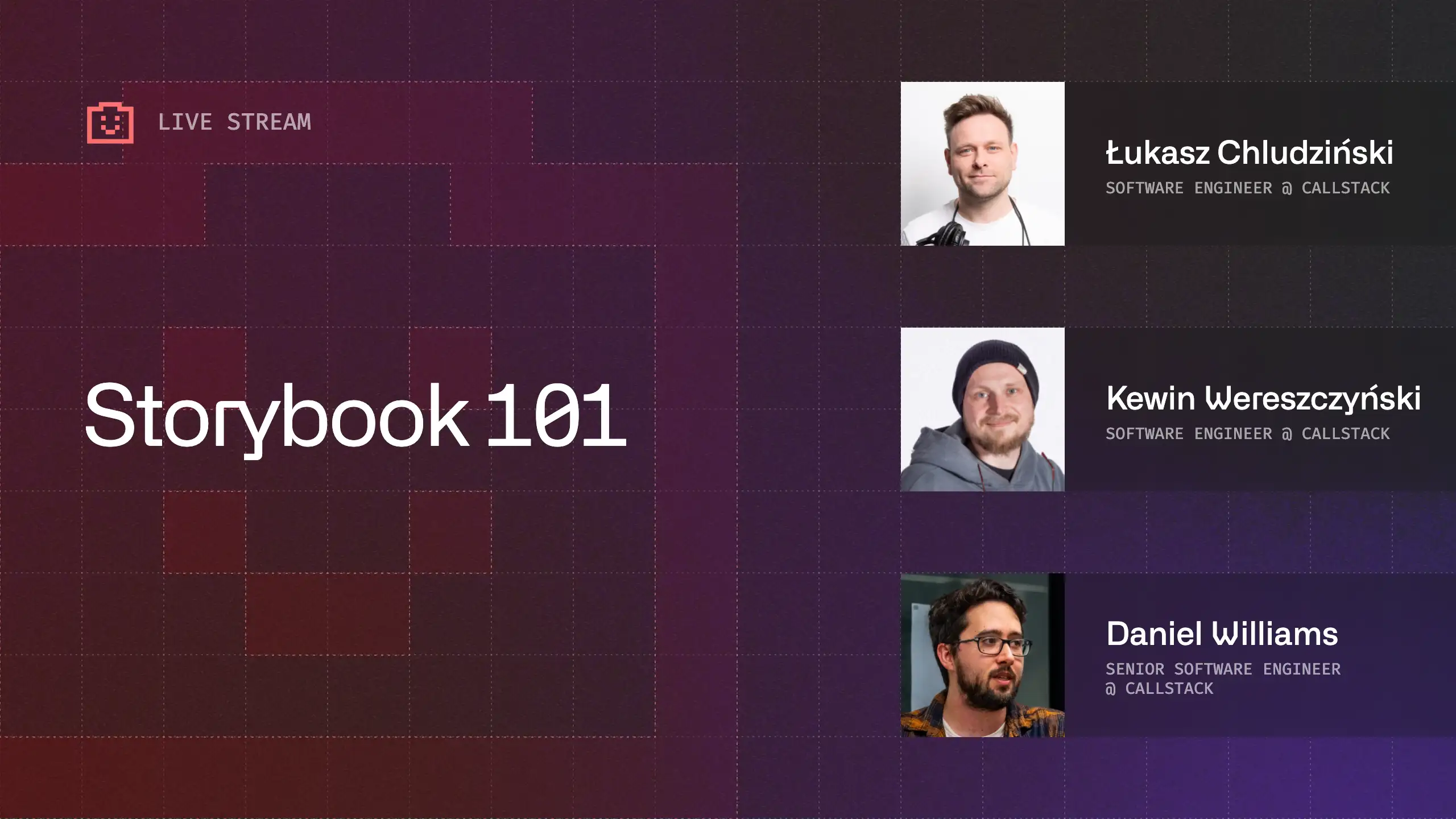




What Storybook Is and Why Teams Use It
The stream started with a clear baseline: Storybook is a tool for developing and organizing UI components in isolation. Rather than building components deep inside a running app, Storybook provides a dedicated environment where individual components and their different states can be developed, inspected, and shared. Danny Williams described it as a workspace for building and maintaining a component library, especially useful when working with design systems or reusable UI elements.
The hosts discussed how Storybook fits naturally into component-driven development. By defining stories as explicit states of a component, teams gain a shared reference for how UI elements behave, look, and evolve over time. This approach is particularly valuable when apps become complex or slow to navigate during development.
Stories, Args, and Controls in Practice
A large part of the stream focused on the core Storybook concepts developers interact with daily. Stories represent specific states of a component, while args map directly to component props. Controls allow those args to be modified live, making it possible to explore variations of a component without changing code.
Danny showed how Storybook can infer controls automatically from TypeScript types, including union types that become select inputs. The group also explored how new stories can be created directly from the controls panel, turning an interactive state into a reusable, documented story.
This workflow highlighted Storybook’s role as both a development and documentation tool, where components, their props, and their expected states live side by side.
Interaction Testing and Visual Validation
On the web, Storybook supports interaction testing through play functions. These allow developers to simulate user behavior, such as clicking buttons or filling out forms, directly in the browser. The stream demonstrated how these interactions run step by step and can be replayed to inspect component behavior at each stage.
The discussion also covered visual testing and regression workflows. Danny explained how Chromatic integrates tightly with Storybook on the web, enabling automated visual comparisons for every pull request. While React Native does not yet have feature parity in this area, the conversation outlined how Storybook stories could serve as a foundation for future visual testing solutions.
React Native Storybook: How It Differs
A key segment of the stream focused on React Native Storybook. Unlike the web version, React Native Storybook runs inside the app itself rather than in a browser. This design allows components to be rendered with the same native dependencies, animations, and platform constraints as the production app.
The group walked through setting up React Native Storybook in a real project, showing how it can be enabled via an environment flag and launched as a dedicated development mode. Core features such as stories, args, controls, and actions work similarly to the web, providing a familiar workflow for developers working across platforms.
Teams, Scale, and Workflow Integration
The stream also addressed how Storybook fits into different team setups. For larger teams, Storybook can act as a shared contract between engineers, designers, and product stakeholders. Hosted Storybook builds or preview apps allow non-engineers to review components without running the app locally.
For React Native teams, this can extend to distributing Storybook builds through TestFlight or development builds, making UI review and feedback possible earlier in the development process.
Looking Ahead
The session concluded with a look toward more advanced workflows. Topics such as visual regression testing in React Native, CI integration, and deeper automation were identified as areas to explore in future streams. With Storybook already embedded in many projects, the group emphasized its potential as a foundation for more robust testing and UI validation workflows.
Watch the full recording to see the live walkthroughs, code examples, and setup steps discussed during the stream.
Storybook Explained: From Basics to Advanced Workflows
Core Storybook concepts, stories and args, interaction testing, and how Storybook works in React Native projects.

Learn more about Developer Experience
Here's everything we published recently on this topic.
















React Native Performance Optimization
Improve React Native apps speed and efficiency through targeted performance enhancements.
C++ Library Integration for React Native
Wrap existing C-compatible libraries for React Native with type-safe JavaScript APIs.
Shared Native Core for Cross-Platform Apps
Implement business logic once in C++ or Rust and run it across mobile, web, desktop, and TV.
Custom High-Performance Renderers
Build custom-rendered screens with WebGPU, Skia, or Filament for 60fps, 3D, and pixel-perfect UX.