AI-Assisted Design-to-Code Delivery Across Web and Mobile
We helped a cross-platform team use AI to turn Figma designs into production-ready code faster, with more consistent UI and built-in quality checks across web and mobile.



Inconsistent UI was slowing cross-platform delivery
The client was dealing with inconsistent interfaces across products.
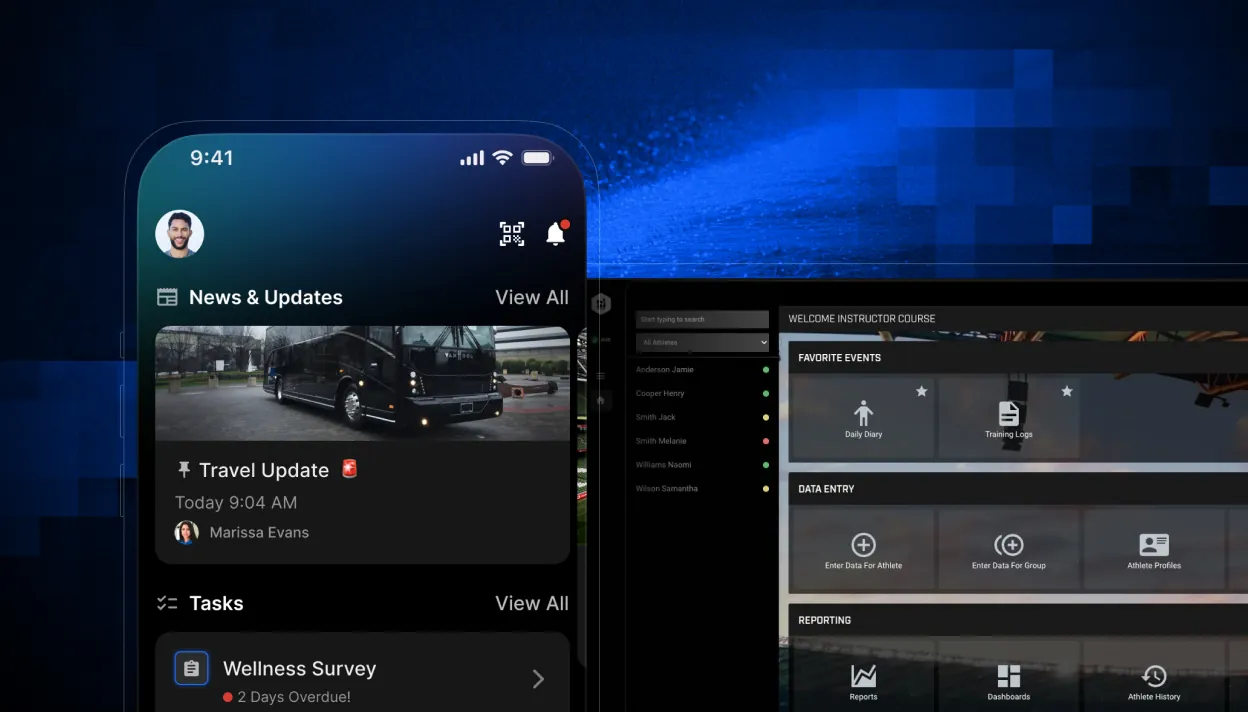
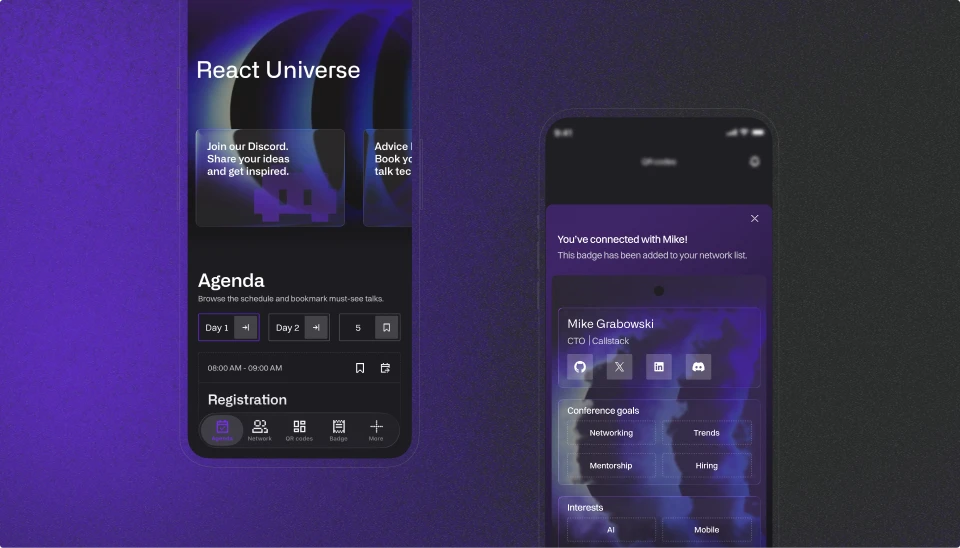
Across products, teams had built their interfaces separately, so users ran into different patterns from one product to the next. That became more difficult to manage in flows where mobile and web experiences met inside the same journey. The client had already started a design system, but it covered only part of the ecosystem, had limited adoption, and was not set up for cross-platform delivery.
The team needed a shared UI foundation that worked across web and mobile, reduced design drift, and gave distributed teams a clearer way to move from feature idea to production-ready interface.
What changed in the delivery workflow
We built the shared system behind AI-assisted delivery
We rebuilt the workflow around a shared design system and an AI-assisted delivery loop.
We started by changing how new work enters the pipeline. Instead of waiting for a fully specified design before implementation begins, the team can now generate an early working prototype, review it with stakeholders, and use that feedback before final design sign-off. That shortens the path to alignment and cuts down on rework later.
We then replaced the earlier setup with one shared component library for web and mobile, built with React and Tailwind on the web side and React Native and NativeWind on mobile. Alongside it, we packaged an AI toolkit that gives engineers access to approved components, design definitions, and usage rules through a single setup. The toolkit includes MCP servers that expose the component catalog, design tokens, and live Figma data to the agent, plus a machine-readable catalog that tells the agent which components exist and how to import them in Claude Code and Cursor.
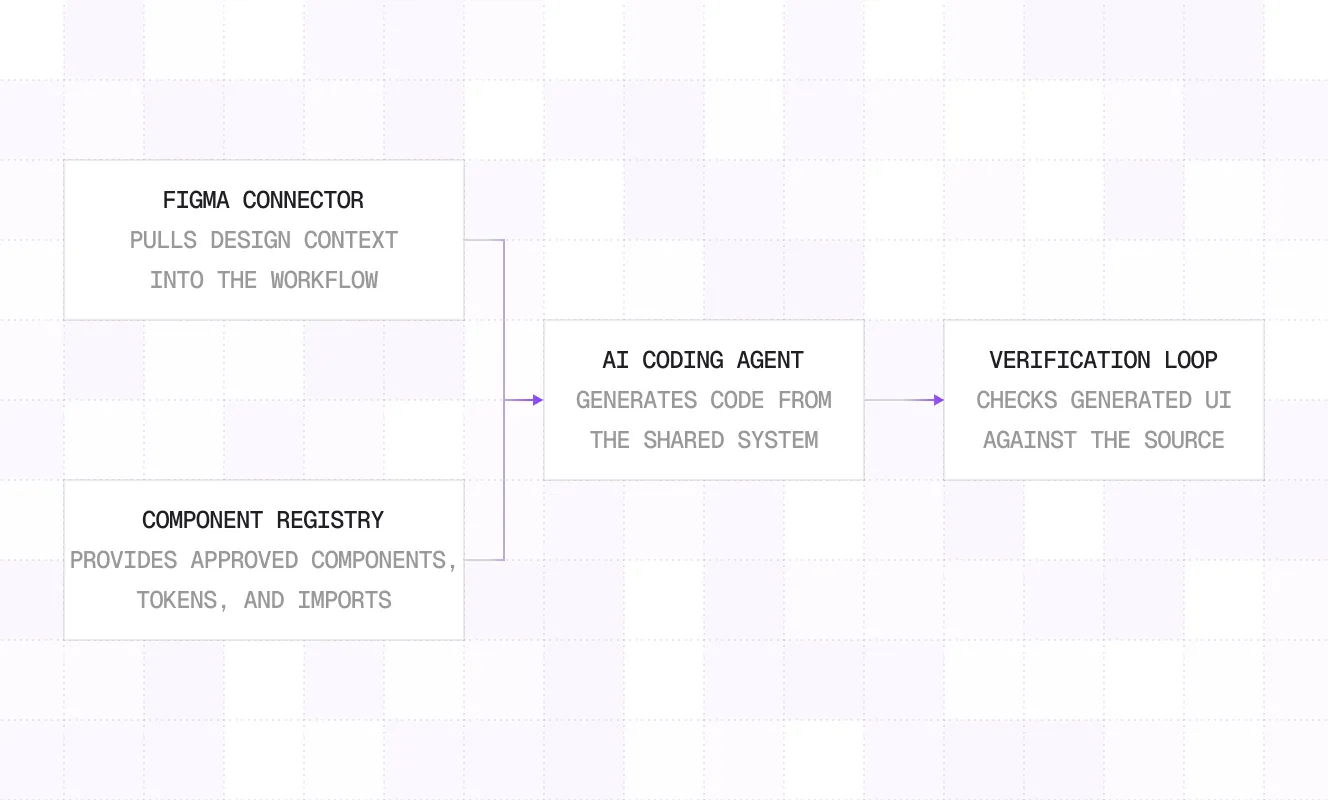
We also connected Figma to implementation through Code Connect, so the agent can resolve design frames to the right component and props instead of relying on approximation. To keep quality under control, we added guardrails directly into the workflow. An ESLint rule and a pre-write hook block off-system components before they are written, and generated screens are checked against the approved design with automated visual comparison. The agent can iterate on its own output until it reaches the expected threshold, which turns design-system compliance and UI fidelity into something the team can verify, not just review by eye.
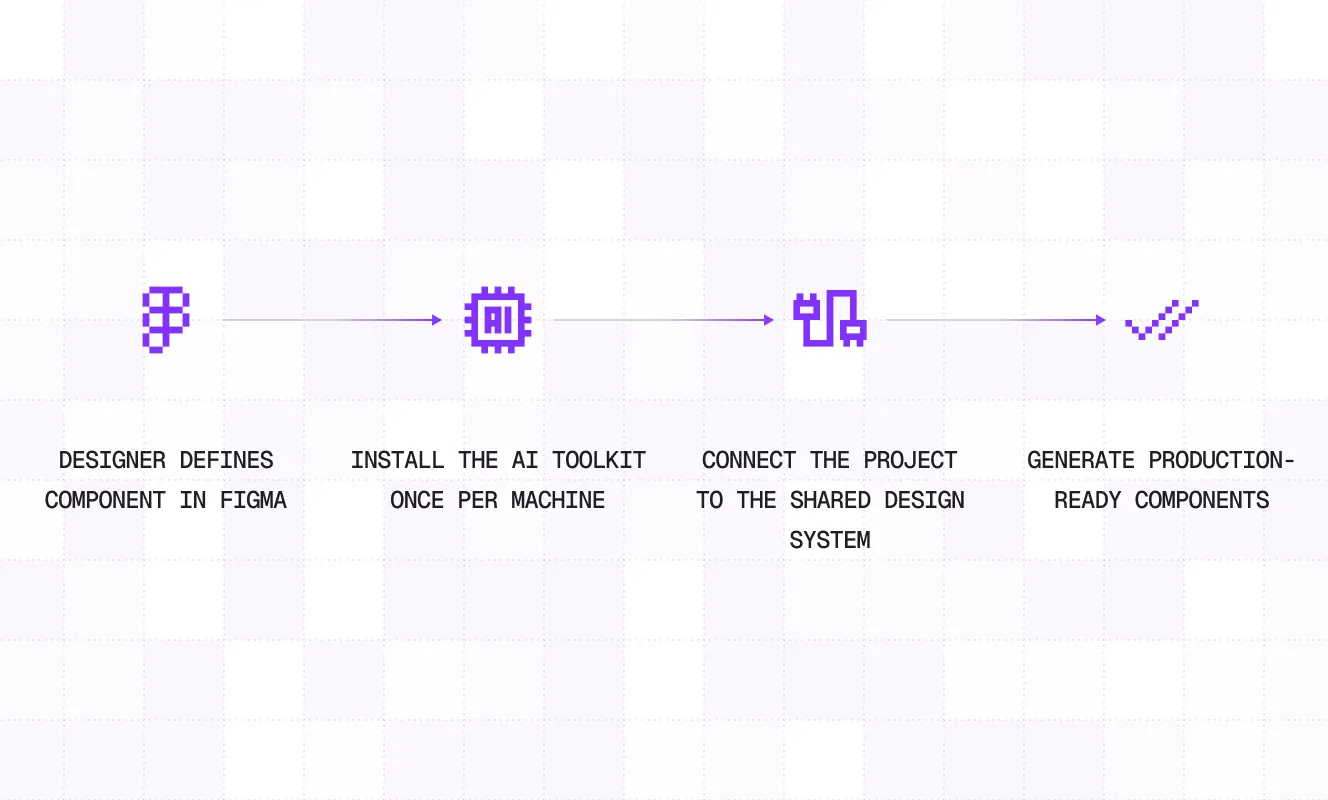
AI loops made design-to-code delivery faster and more reliable
The client now has a design-to-code workflow that is easier to scale across products and teams.
Design system compliance is enforced during implementation, which reduces drift before it reaches review. With 60+ components mapped at full Code Connect coverage, design changes are easier to carry into code because the component model is shared between design and engineering. Onboarding is simpler too: teams can set up the component library and AI workflow for Claude Code and Cursor in one step instead of assembling the toolchain manually.
The work also shortened the path from idea to usable prototype. In the client's internal workflow, a typical enterprise screen that used to take about an hour to prototype can now be produced in around ten minutes. Some business outcomes, such as fewer review cycles and faster handoff, are already visible in the workflow but are still directional rather than formally measured.
For end users, the main change is consistency. Moving between web and mobile surfaces feels more familiar because the same UI language, patterns, and components now carry across products.
Inconsistent UI was slowing cross-platform delivery